
Keeping ID Cards and Contracts Safe: Encryption Explained Simply
Your phone gallery is no place for ID cards and contracts. A plain explanation of encryption, why on-device encryption matters, and a checklist for storing documents safely.
 Habib S. · Ldora
ID cards, property deeds, a shop lease, supplier contracts, insurance papers. Every business owner eventually needs one of these in a hurry: at the bank, at a notary, or when a new supplier asks for documents. The real question is: where are they right now, and who can see them?
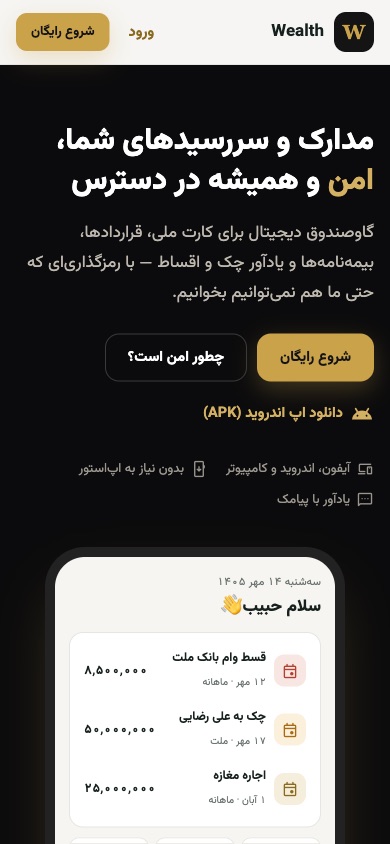
For most of us the honest answer is "there's a photo on my phone." That was my answer for years too, and it is one reason I built Wealth, now live at wealth.ldora.org, which includes a private document vault. Here I explain, without jargon, what encryption actually means, why your phone gallery is the wrong place for documents, and what to look for in a safe storage tool.
Where our documents usually live
If we are honest, most of our important documents are in one of these places:
- The phone gallery, between family photos and screenshots.
- Messaging apps, because you sent it to someone once and it stayed there.
- A folder on the shop computer that several people can open.
- A wallet or desk drawer, with no second copy if it is lost.
Each has a problem: too many people can see it, one broken device loses everything, or you cannot find it when you need it. Sending the wrong photo to a group chat is all it takes for your ID card to reach the wrong people.
Encryption in plain words
Encryption turns your file into scrambled, meaningless data that only the right key can turn back into something readable. Think of a safe: anyone can see the safe, but nobody can open it without the key.
What most people miss is where the encryption happens:
- On the server. Your file arrives readable and is locked there. So the server, and anyone with access to it, has seen the original at some point.
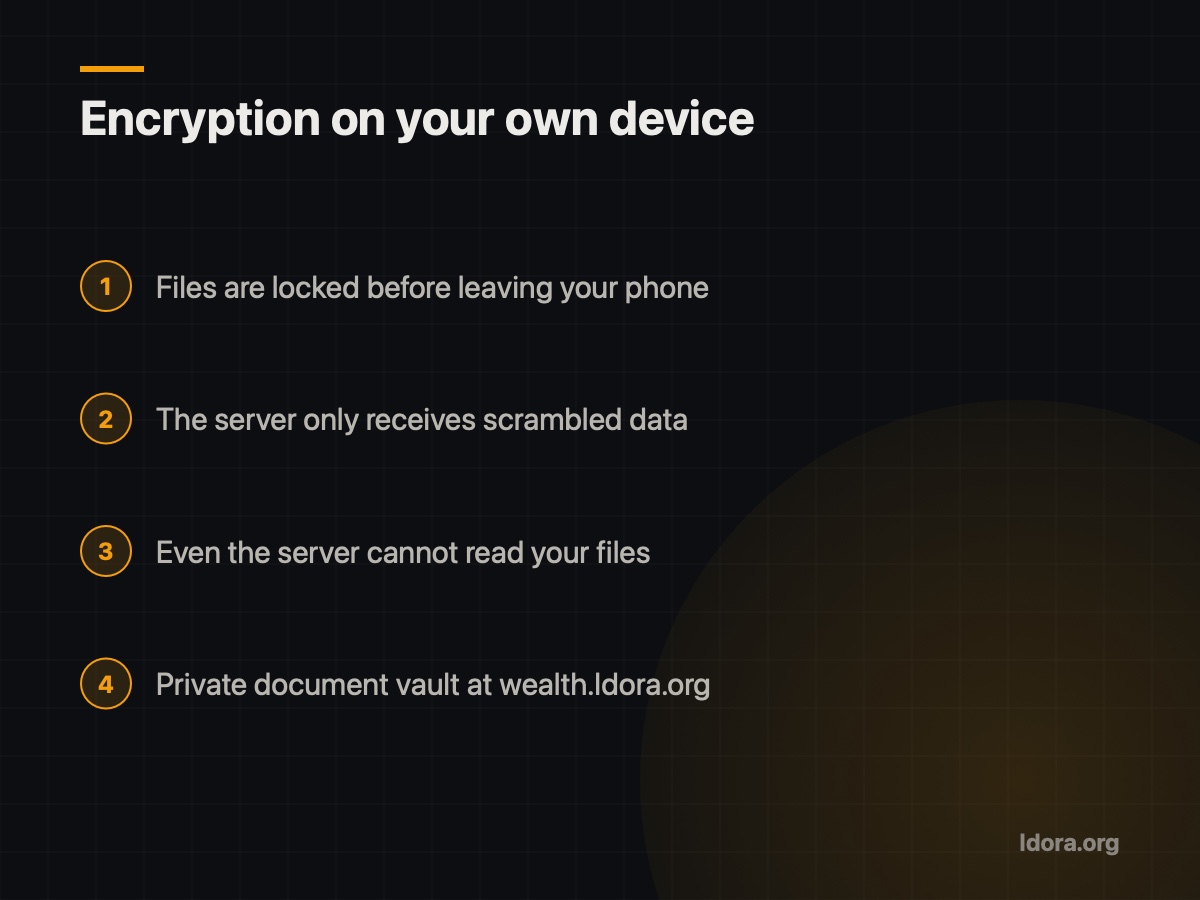
- On your own device. The file is locked before it leaves your phone or computer. The server only ever receives scrambled data and never sees a readable copy.
For Wealth I chose the second approach: files are encrypted on the user's own device, so even the server cannot read them. For ID cards and contracts, I think that difference matters a lot.
Why the phone gallery is not enough
A gallery is built for everyday photos, not documents:
- Everything is mixed together. Hand someone your phone to show a photo and your ID card is a few swipes away.
- Wrong sends are easy. Picking the wrong image in a chat takes one tap.
- A lost or replaced phone can mean losing everything, or someone else finding it.
- It is hard to search. Scrolling through thousands of photos in a bank queue is no fun.
What a safe document vault needs
These are the minimum features I set for Wealth, and a fair test for any tool:
- Encryption on your device, not only on the server. Ask the provider: "Can you see my files?" The right answer is "no."
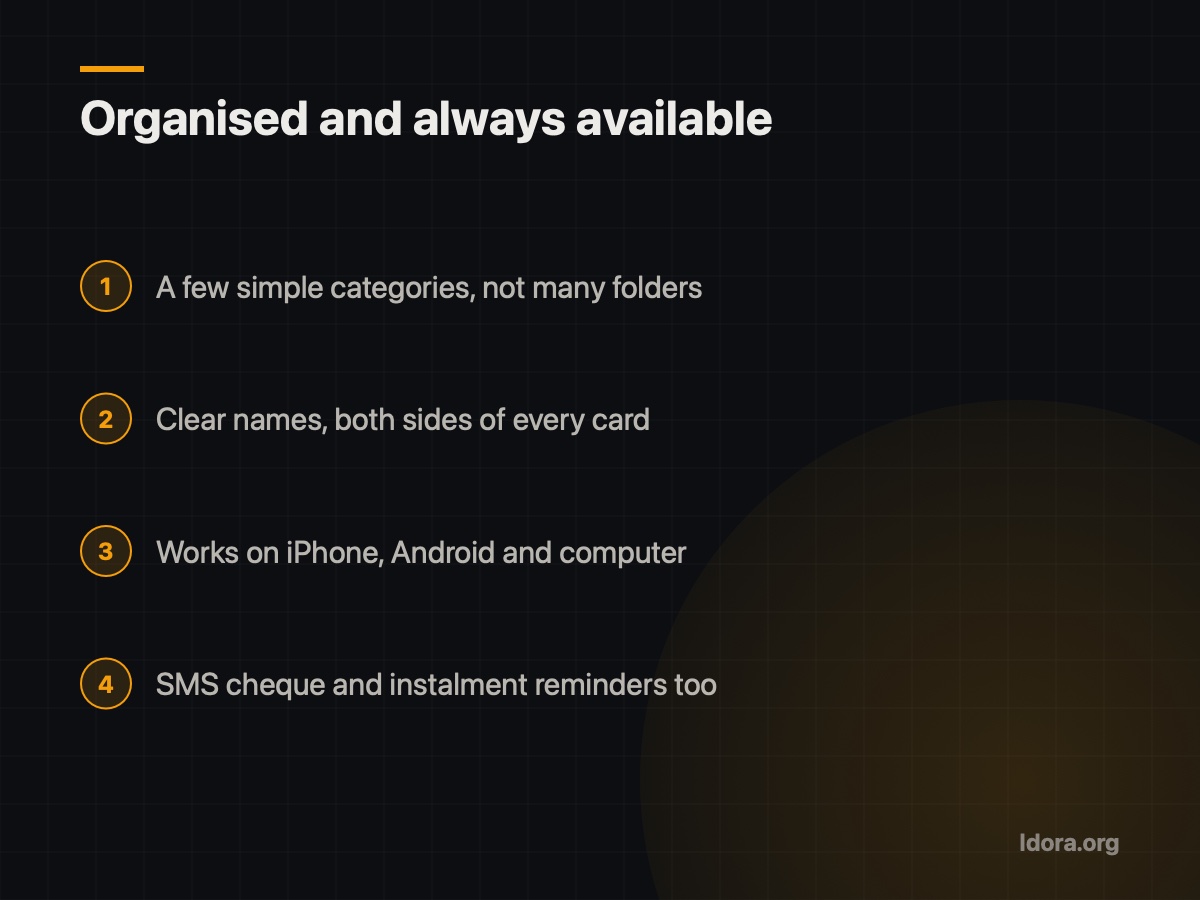
- Access from several devices. Wealth works on iPhone, Android and computer, with an Android APK, so a new phone does not mean lost documents.
- Working on Iran's internet. A tool that depends on foreign services may not open on the day you need it. The sites I build run on a server inside Iran with HTTPS.
- Documents next to related tasks. A loan contract makes more sense beside its instalment reminder. Wealth also sends Sayad cheque and instalment reminders by SMS.
Keeping documents organised
A good tool is half the job; the other half is habit:
- Simple categories: identity, property and lease, business contracts, insurance. Too many folders get abandoned.
- Clear names: "Shop lease contract" instead of "IMG_2041".
- Both sides: store ID and vehicle cards front and back, sharp and readable.
- Take your password seriously. When the server cannot read your files, security depends on your key. Choose a strong one and keep it somewhere safe.
A practical checklist for this week
- List the important personal and business documents you hold
- Note where each one is stored and who can access it
- Choose storage that encrypts files on your own device
- Save documents with clear names, front and back
- Delete scattered copies from your gallery and chat apps
- Make sure your documents survive a phone change
Keeping documents safe is not complicated; you just need to set it up properly once. With everything in one place, encrypted and always available, you stop worrying about losing them or about who might see them.
If you would like to see Wealth up close, or need business software built with the same care for privacy, request a free demo. You see the demo first, then decide. You can also see another of my projects on the Cafe Barama app page.
Want something like this?
Tell me about your business
More guides

What to Ask Before You Hire a Website Developer
The questions to ask before signing with a website developer: live work, hosting in Iran, domain ownership, support after launch and a free demo.
Read
Mobile-First: Your Customers See Your Site on a Phone
For most local businesses, the customer's journey starts on a phone. Here is what mobile-first design means and how I apply it in my projects.
Read
SEO Basics for a Small Business in Iran
Why can't customers find your business site on Google? Simple SEO basics: page titles, descriptions, real content and technical points that matter in Iran.
Read