
Kitchen Screen and Courier App: Where an Order Goes After Payment
After the customer pays, an order should reach the kitchen and then the courier without anyone rewriting it. Lessons from building Cafe Barama's kitchen screen and courier app.
 Habib S. · Ldora
The customer picks a dish, pays, and sees "Order received". For them, the job is done. For the café owner, it has just started: the order has to reach the kitchen, be prepared correctly and on time, and then get to a courier who takes it to the door. In most small cafés, the gap between "paid" and "delivered" is exactly where orders get lost, delayed or made wrong. Here is what I learned building the kitchen screen and courier app for Cafe Barama in Shiraz.
Where it goes wrong: orders passed from person to person
In many cafés, an online order lands on a phone or the till computer. The cashier reads it, writes it on paper or shouts it to the kitchen, the cook prepares it, and then someone has to call a courier and send them the address.
Every step means someone reads something in one place and repeats it in another. Every repetition is a chance for a mistake:
- An item is missed, or the customer's note ("no sauce") never reaches the cook.
- At rush hour, an order that came in first gets made later.
- The courier gets an incomplete address or mixes up which order is whose.
- At the end of the night, the owner has no idea where an order got stuck.
The fix is not asking people to be more careful. The fix is letting the order itself travel from the customer's screen to the kitchen and then to the courier, without anyone rewriting it.
The kitchen screen: no paper, no shouting
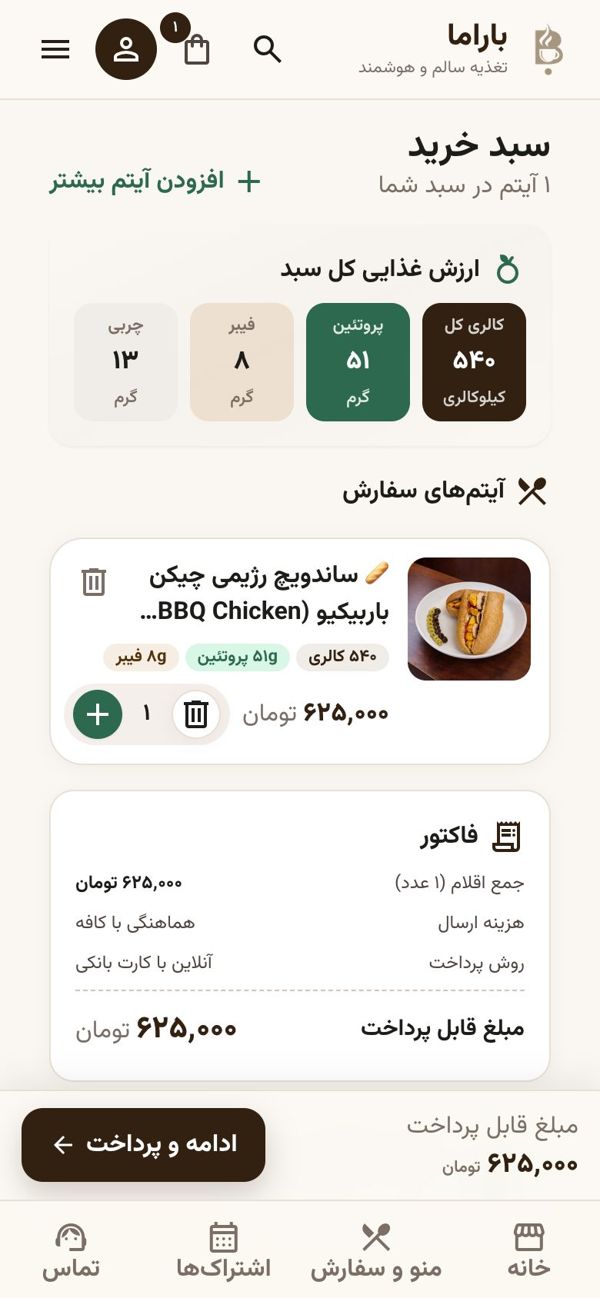
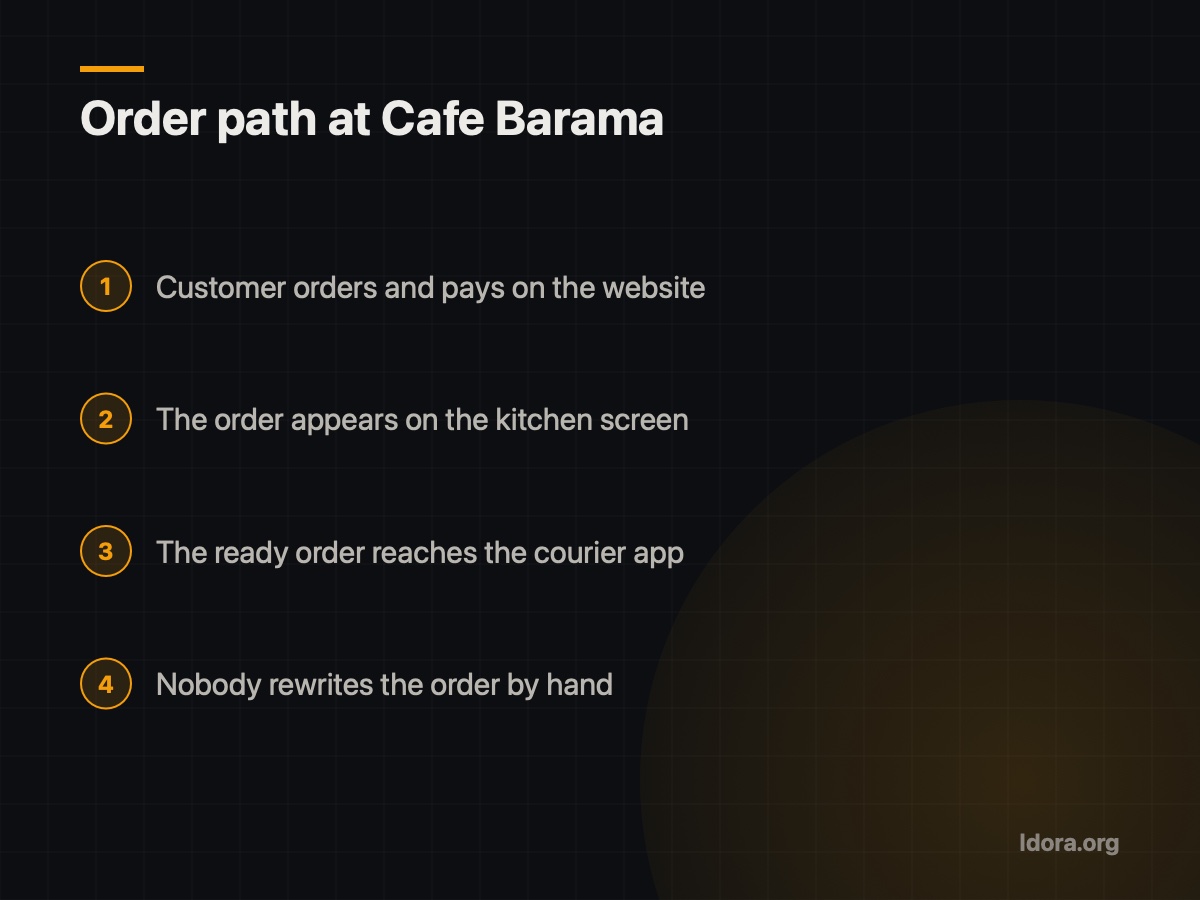
At Cafe Barama, when a customer orders on the website, the order appears on the kitchen screen. The cook doesn't wait for someone to read it out; they see exactly what the customer chose.
If you want a kitchen screen for your own café, look for these things:
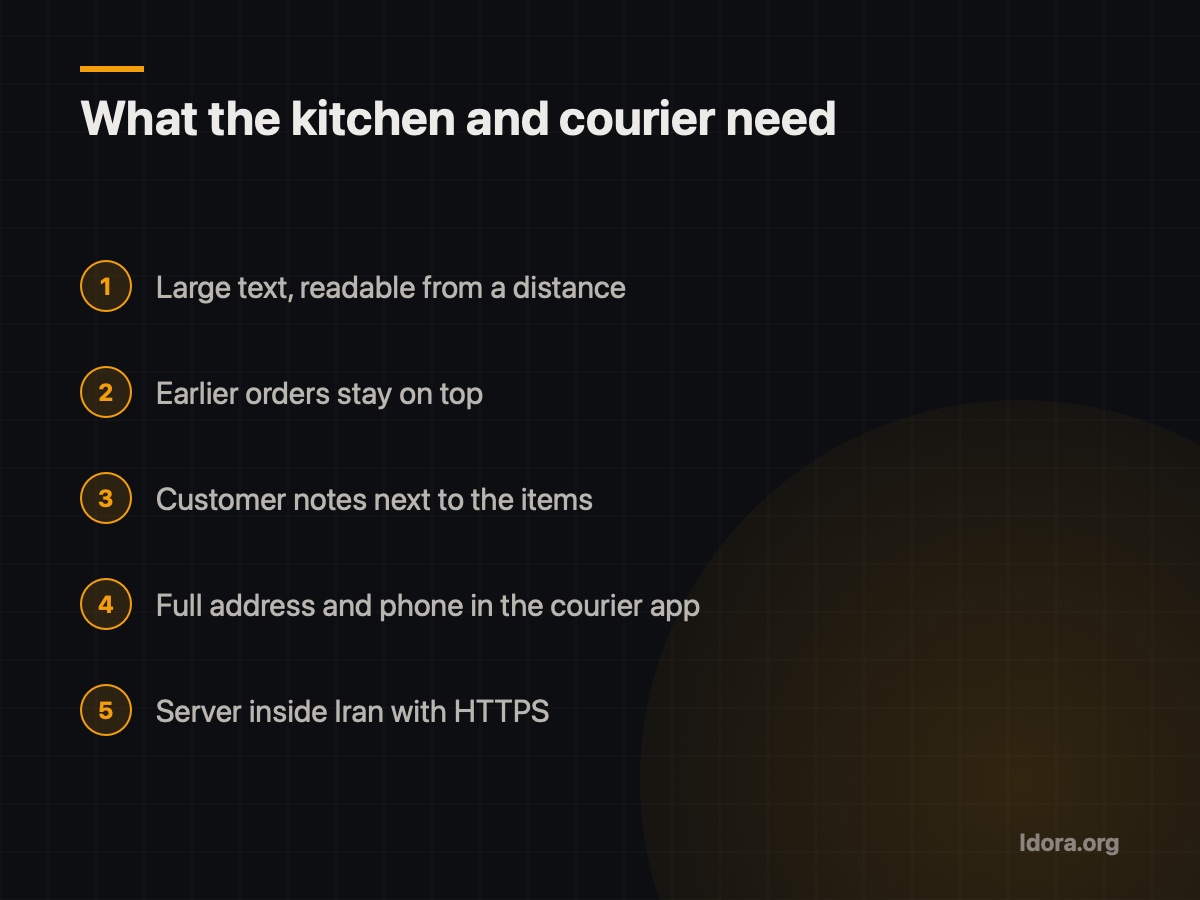
- Readable from a distance. The cook's hands are busy; text must be large and clear.
- The right order. Earlier orders stay on top so nothing is forgotten in a rush.
- All details in one place. Items, quantities and the customer's note together.
- As few buttons as possible. One tap to mark an order ready, not several steps.
It is a web app, so a tablet or a simple computer is enough.
The courier app: from ready to the customer's door
Once the kitchen marks an order ready, it's the courier's turn. At Barama, the order moves on to the courier app. Instead of copying an address from a message or a phone call, the courier sees the order in their own app.
A good courier app for a small café should:
- Show the courier which orders are ready to go.
- Give the full, correct address and the customer's phone number.
- Let the courier mark an order as picked up and delivered.
- Show the owner which stage every order is at.
Why it should be one connected system
You might think: "I'll buy one program for the kitchen and use a messaging app for couriers." The trouble is that wherever you have two separate systems, someone has to read from one and type into the other, and the original problem is back.
At Barama, the ordering website, the kitchen screen and the courier app are parts of one system. The order the customer places is the same order the cook sees and the same order the courier delivers. That means one source of truth, less work for the cashier, and a clear view for the owner of where orders slow down. The same system also handles staff attendance and payroll. You can see the demo video on the Cafe Barama page on Ldora.
A word on networks and filtering
The kitchen screen and courier app must open every minute the café is working. If the system depends on foreign services that break under filtering, your kitchen can stop in the middle of the lunch rush. The systems I build run on a server inside Iran with HTTPS, without Google Fonts, reCAPTCHA or similar services, and with self-hosted fonts.
Checklist: before you launch a kitchen screen and courier app
- Draw your current order path from payment to delivery and mark every rewrite.
- Make sure website orders reach the kitchen without the cashier stepping in.
- Test the kitchen screen's text from where the cook actually stands.
- Check that customer notes appear next to the order items.
- See the full address and phone number inside the courier app, not in a separate message.
- Test everything at rush hour, not only when the café is quiet.
If you want to see how this could work for your café or restaurant, get a free demo before you decide anything. Request a free demo and we'll walk through your order flow together.
Want something like this?
Tell me about your business
More guides

What to Ask Before You Hire a Website Developer
The questions to ask before signing with a website developer: live work, hosting in Iran, domain ownership, support after launch and a free demo.
Read
Mobile-First: Your Customers See Your Site on a Phone
For most local businesses, the customer's journey starts on a phone. Here is what mobile-first design means and how I apply it in my projects.
Read
SEO Basics for a Small Business in Iran
Why can't customers find your business site on Google? Simple SEO basics: page titles, descriptions, real content and technical points that matter in Iran.
Read