
Customer Credit in a Shop Without Paper Notebooks
Why the paper credit notebook causes disputes, how customer accounts work inside a shop POS, and how to move credit balances to software safely.
 Habib S. · Ldora

Almost every neighbourhood shop in Iran keeps a credit notebook — the nesyeh book. It sits next to the till, full of different handwriting, crossed-out names and numbers only the person who wrote them can read. It works fine until the day a regular says "I didn't owe that much," and all you have to show is a handwritten line.
I built Sepehr POS for a supermarket. It replaced the shop's old POS software, it is in use at the shop today and it is still being developed. Customer accounts and credit were one of the parts we cared about most from the start. Here is why a paper notebook is not enough for credit, what a proper system should record, and where to begin.
Why the paper credit book causes trouble
The notebook is not bad in itself; it just cannot keep up with a busy shop. The problems I see almost everywhere:
- Sales and credit are recorded in two places. The invoice goes through the till, the debt is written by hand. Forget one and the balance is wrong.
- Nobody knows a customer's current balance. You flip pages and add up numbers — in the middle of a queue.
- Small part-payments get lost. A little today, a little next week. If each one is not written down, no one remembers.
- Only one person understands the book. When someone else is at the till, they either refuse credit or write it somewhere it will never be found.
- Disputes hurt relationships. A loyal local customer is worth far more than a few items, and an argument without records can push them away.
What a customer account in a POS means
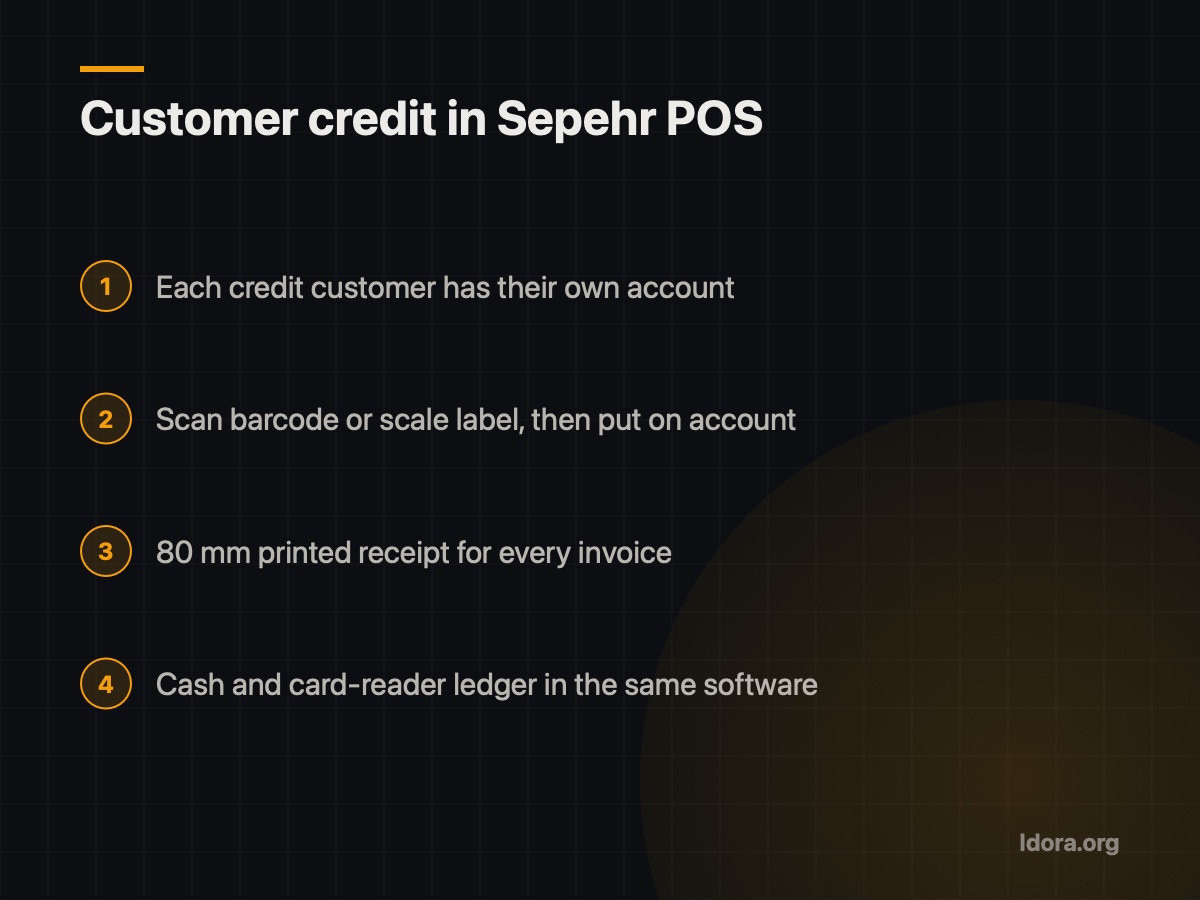
The idea is simple: credit should be recorded in the same place as the sale. In Sepehr, each customer who buys on credit has an account. The cashier scans items with the barcode reader or the scale label, closes the invoice and, instead of taking payment, puts it on the customer's account. An 80 mm receipt prints and the balance is updated at that moment.
When the customer pays — cash or card reader — the payment is recorded and comes off the debt. Because the cash and card-reader ledger lives in the same software, at the end of the day you know how much came in as cash, how much through the card reader and how much went out on credit.
What to record for every customer
If you move credit from the notebook into software, keep at least this for each customer:
- Name and a phone number. A first name is not enough; every neighbourhood has several of the same.
- Every credit purchase with a full invoice — items, quantities, prices and date.
- Every payment with its date and method — cash or card reader, however small.
- The current balance, visible at a glance.
- Who recorded it, which settles many misunderstandings when several people work the till.
Printed receipts build trust
Many credit arguments end with a small slip of paper. When every credit purchase has a printed receipt, the customer knows exactly what went on their account. Sepehr prints on standard 80 mm thermal paper. At month end, you also know that behind every figure there is a recorded invoice — something a notebook never gives you.
Moving off the notebook and the old till
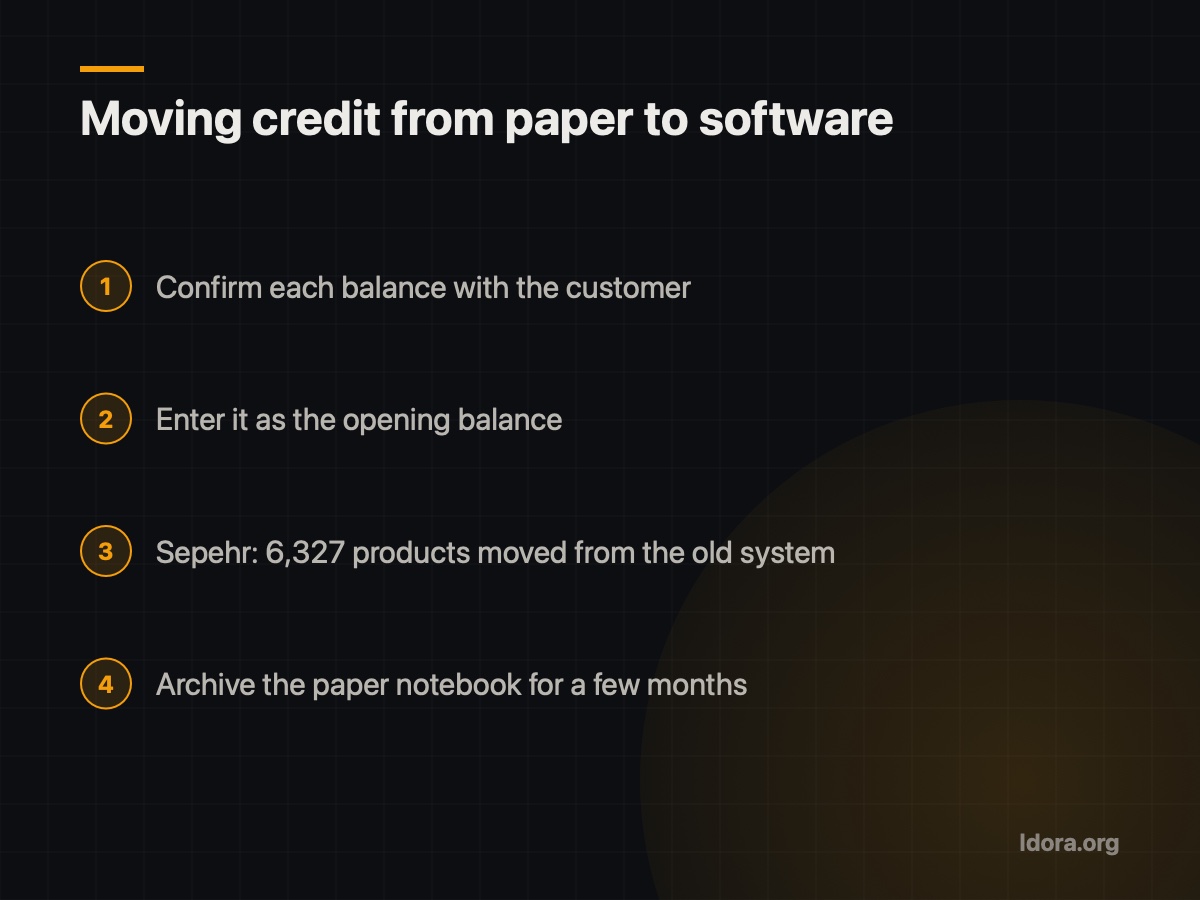
The biggest fear when changing software is losing data. In the Sepehr project, 6,327 products were moved from the old system so staff did not have to set them up again. I suggest the same approach for credit accounts: move the data, compare everything once, and only put the old notebook away when you are sure. Keep the notebook archived for a few months, start with the customers who owe the most, and show every cashier how to put an invoice on a customer's account so no one goes back to paper.
Checklist for paper-free customer credit
- List every credit customer with a name and phone number
- Take each balance from the notebook and confirm it with the customer
- Make sure your till can put an invoice straight on a customer's account
- Give a printed receipt for every credit purchase
- Record cash and card-reader payments separately
- Compare cash, card reader and credit totals at the end of each day
- Keep the old notebook for a few months
Credit is part of how local shops work, and it is not going away — it just needs to live somewhere that updates with every sale. If you run a shop or supermarket and want to see customer accounts and credit in a web-based POS, request a free demo and try it yourself before you decide anything.
Want something like this?
Tell me about your business
More guides

Backups and HTTPS: The Minimum Every Business Site Needs
HTTPS and backups are the security minimum for any business site. Here is why they matter and what to ask whoever built your site.
Read
Free Demo First: Judge Software Before You Pay
Why you should see business software in a demo before paying, what to check during it, and which questions to ask before you decide.
Read
What to Ask Before You Hire a Website Developer
The questions to ask before signing with a website developer: live work, hosting in Iran, domain ownership, support after launch and a free demo.
Read