
Backups and HTTPS: The Minimum Every Business Site Needs
HTTPS and backups are the security minimum for any business site. Here is why they matter and what to ask whoever built your site.
 Habib S. · Ldora
Most café, restaurant and shop owners relax once their website or business software goes live. Two simple but critical things then get forgotten: HTTPS and backups. Nobody thinks about them while everything works. Then one day the browser tells a customer "Not secure", or a small failure wipes out orders, customer credit balances or the product list, and suddenly they matter a lot.
At Ldora I build websites and software for small businesses. Here is, in plain words, the minimum every business site needs, and the questions to ask whoever built yours.
What HTTPS is and why it is no longer optional
HTTPS means the connection between your customer's phone and your server is encrypted. When a customer types a phone number to place an order, or a staff member logs into the admin panel, nobody on the way can read it. The small padlock next to the address is the sign.
Without HTTPS:
- Browsers warn visitors. Chrome and Safari show "Not secure", and many people simply leave.
- Data can leak. Staff passwords and customer details can be sniffed on public networks, like the café's own Wi-Fi.
- Google trusts the site less. For a business that wants to be found in search, that is a real handicap.
There is one more reason people miss: some browser features, such as installing a site on the phone's home screen as an app (a PWA), only work over HTTPS.
HTTPS on a server inside Iran
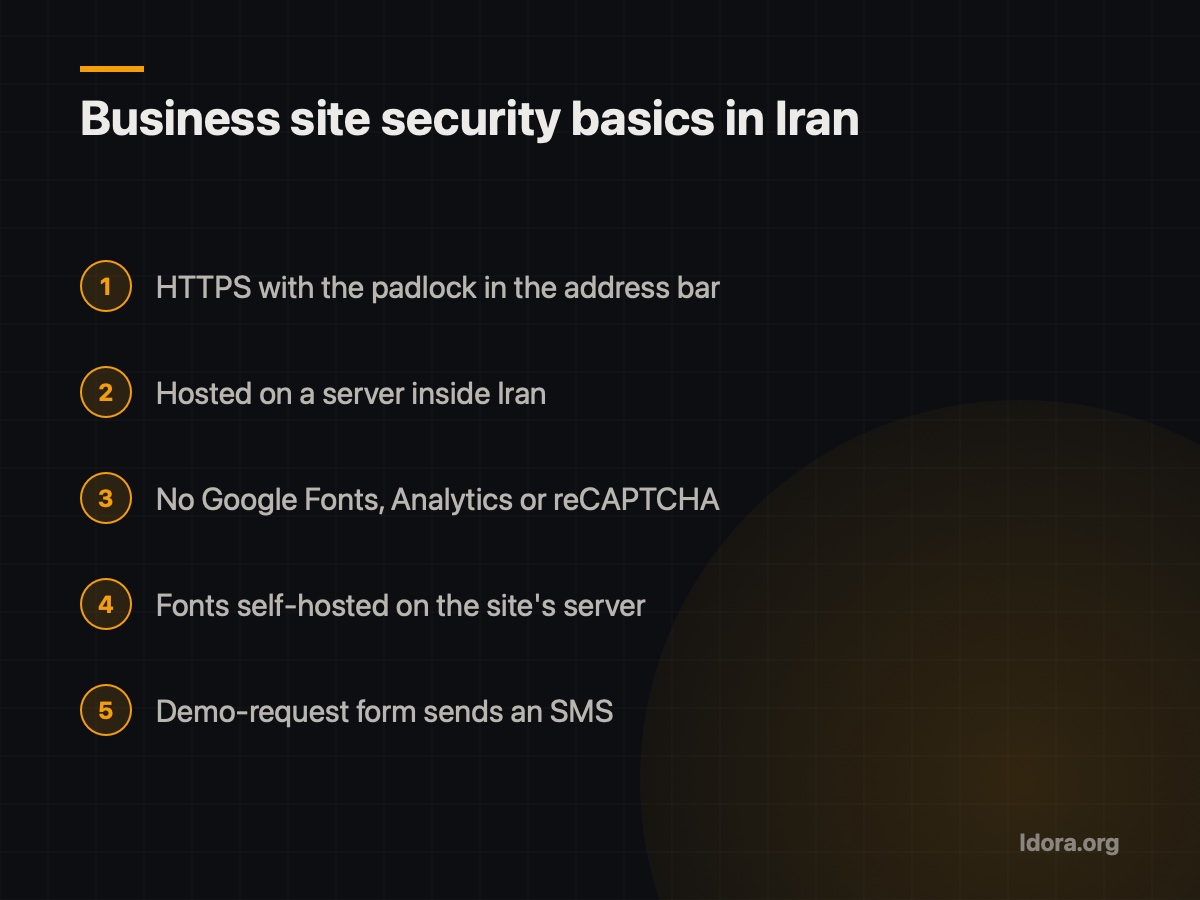
The sites I build run on a server inside Iran with HTTPS. Your customers are in Iran, so the site should be fast and reachable for them, even when international internet is unstable.
I also avoid foreign services that break under filtering: no Google Fonts, no Google Analytics, no reCAPTCHA. Fonts are self-hosted, and the demo-request form sends an SMS. To a customer, a site that will not open on a busy evening is as bad as a hacked one, so reliability is part of security too. Cafe Barama in Shiraz runs this way, from online ordering to the kitchen screen and the courier app.
Backups: the thing you only remember on the bad day
A backup is a separate copy of your site's data that lets you restore everything after a problem. The problem is not always a hacker. More often it is a full server disk, an update that went wrong, or data deleted by mistake.
For a small business, these need backing up:
- The database: orders, customers, credit accounts, products and prices.
- Uploaded files: dish and product photos, invoices, anything added in the admin panel.
- Settings: whatever the site needs to come back up.
When Sepehr POS replaced a supermarket's old POS software, 6,327 products were moved over from the old system. Imagine losing that and typing it all in again by hand.
What makes a good backup
You do not need the technical details, but you should know these answers:
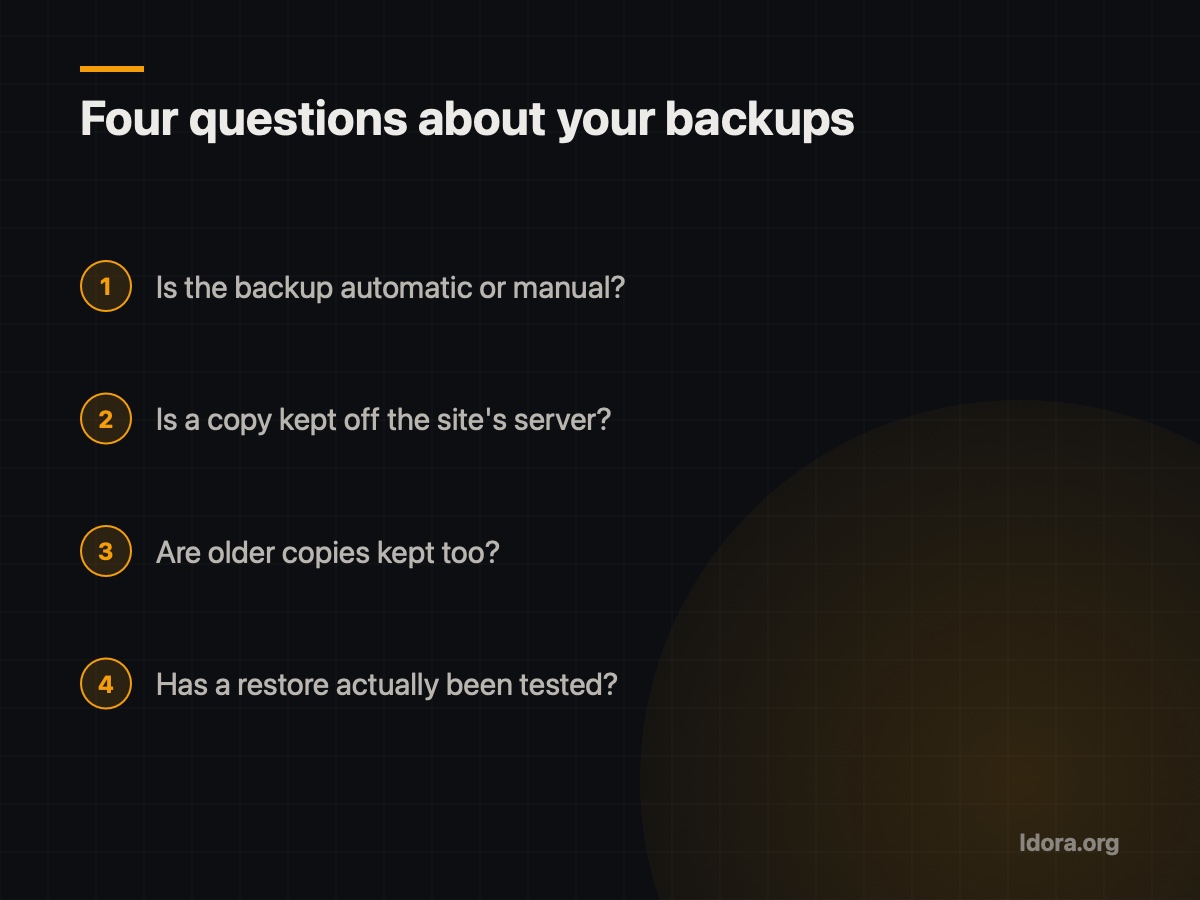
- Is it automatic? A backup that depends on someone remembering will be forgotten one day.
- Where is it stored? If it sits on the same server and the server is lost, the backup is gone too. Keep a copy somewhere else.
- Are older copies kept? Sometimes a problem is noticed days later, when the latest backup is already affected.
- Who can access it? A backup holds your customers' data and needs the same protection as the site.
For very sensitive data, encryption matters even more. In Wealth, a private document vault, files are encrypted on the user's own device, so even the server cannot read them.
After launch, who looks after this?
HTTPS certificates must be renewed and backups must be checked. So before you order a site, ask who is responsible after delivery. Every project I deliver includes six months of free support, so these are watched during the first months, when most questions come up.
Checklist: the minimum for a business site
- The site opens over HTTPS with the padlock visible.
- Plain HTTP redirects to HTTPS automatically.
- The site does not depend on foreign services that break under filtering.
- The database and uploaded files are backed up automatically.
- At least one backup copy lives somewhere other than the site's server.
- Restoring from a backup has been tested at least once.
- It is clear who renews HTTPS and checks backups after launch.
If you want to see a business site or system built with these basics, request a free demo and we will look at your real work together before you decide anything.
Want something like this?
Tell me about your business
More guides
Free Demo First: Judge Software Before You Pay
Why you should see business software in a demo before paying, what to check during it, and which questions to ask before you decide.
Read
Customer Credit in a Shop Without Paper Notebooks
Why the paper credit notebook causes disputes, how customer accounts work inside a shop POS, and how to move credit balances to software safely.
Read
What to Ask Before You Hire a Website Developer
The questions to ask before signing with a website developer: live work, hosting in Iran, domain ownership, support after launch and a free demo.
Read