
iPhone App Without the App Store: When a PWA Is Enough
What an installable web app (PWA) is, how it installs on an iPhone and when it is enough for a small business, based on Cafe Barama and Wealth.
 Habib S. · Ldora
Café and shop owners often ask me: "Android is easy, I can just put an installer on my website. But what about customers with iPhones?" It's a fair question. For businesses in Iran, publishing in the App Store is almost always blocked, and apps installed through unofficial routes tend to stop working at random, which frustrates customers.
What I use for iPhone users is an installable web app, also called a PWA. Here is what it is, how it installs on an iPhone, and when it is enough.
What a PWA actually is
A PWA is a website built to behave like an app. The customer opens it in the browser, adds it to the home screen once, and from then on it opens full screen from its own icon, without an address bar. To the customer it feels like any other app.
The difference is behind the scenes:
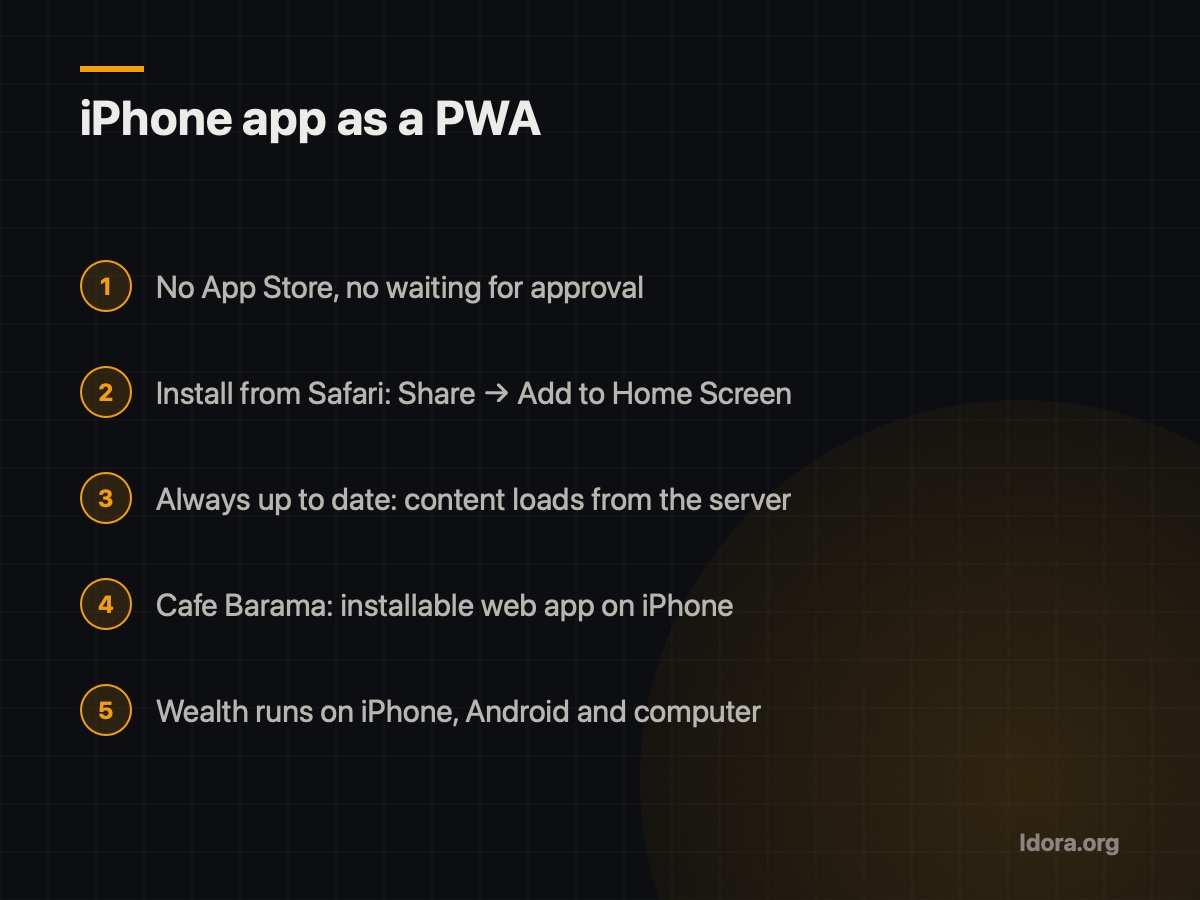
- No App Store needed. No developer account, no waiting for approval.
- Always up to date. Content loads from the server, so every change you make is live for every customer immediately. Nobody has to update anything.
- One codebase. The same system that runs on a computer and on Android runs on the iPhone.
Real experience: Cafe Barama and Wealth
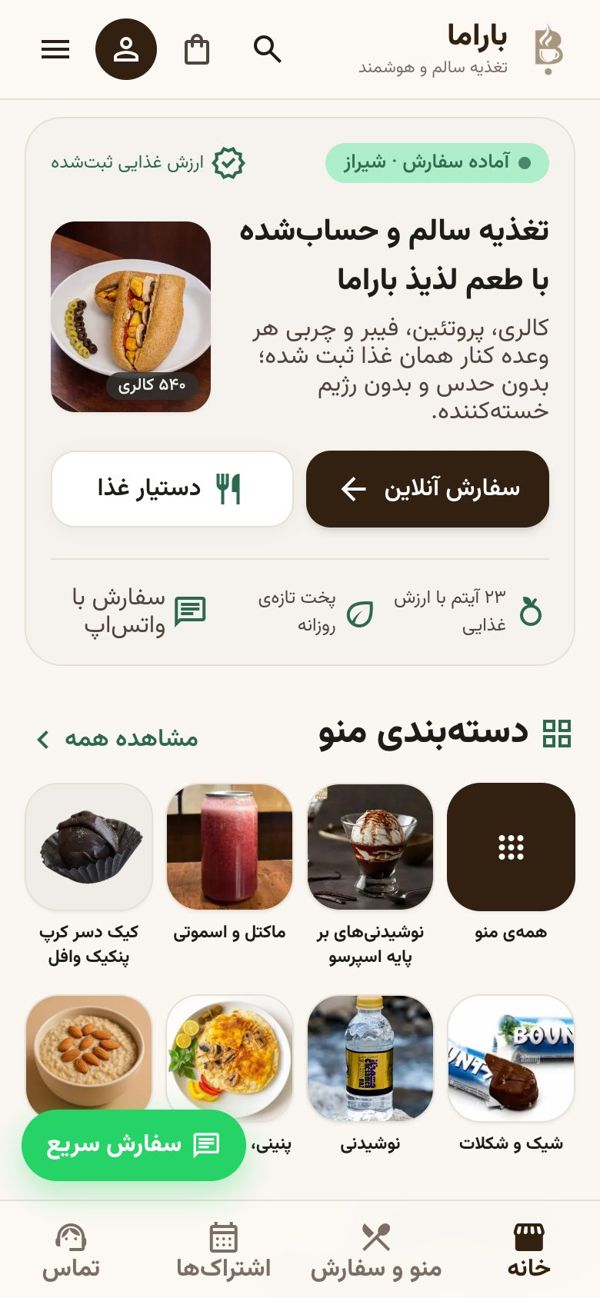
At Cafe Barama in Shiraz, Android customers download the app straight from the café's own website, and iPhone customers install the same site as a web app. Both see the same menu, where every dish shows calories, protein, carbs and fat, and the same cart that totals the meal's nutrition. Orders from both end up on the same kitchen screen.
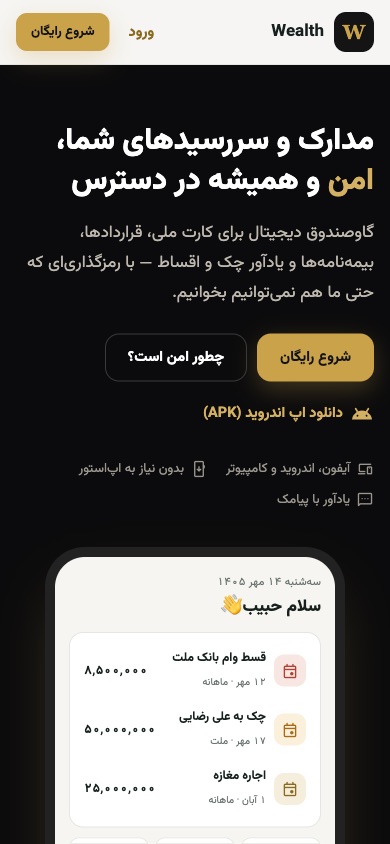
My other project, Wealth, is a private document vault with Sayad cheque and instalment reminders. It works on iPhone, Android and computer: there is an APK for Android, and on iPhone it installs from the browser. These two projects showed me that for most small businesses, not being in the App Store is simply not a problem.
Installing a PWA on iPhone, step by step
- Open the site in Safari.
- Tap the Share button (the square with an arrow).
- Choose Add to Home Screen.
- Confirm the name and tap Add.
When a PWA is enough, and when it isn't
A PWA usually covers online ordering and menus, customer accounts and order tracking, product catalogues and request forms, and internal staff tools such as attendance and shifts.
Think more carefully if you need:
- Deep hardware access. Some phone features are limited for web apps on iPhone.
- Notifications. Newer iOS versions let home-screen web apps send notifications, older phones can't. For anything critical, like due-date reminders, I prefer SMS; Wealth sends cheque and instalment reminders by SMS.
- App Store discovery. A PWA won't be found by searching the App Store. Customers find you through your website, Google and social media.
What makes a good PWA
- Mobile-first design: big buttons, readable text, a simple menu.
- A clear icon and a short name that doesn't get cut off on the home screen.
- HTTPS and a stable server. The sites I build run on a server inside Iran with HTTPS.
- No foreign dependencies. Fonts are self-hosted, with no Google Fonts or other services that break under filtering, so the app doesn't go blank mid-order.
Checklist before building an iPhone app
- Write down exactly what customers need to do in the app
- Check whether you need any special phone hardware features
- Make sure your site is fast and readable on a phone
- Prepare an app icon and a short name
- Add an install guide for iPhone visitors
- Plan SMS alongside notifications for important messages
If your customers use iPhones, you don't need to wait for the App Store. A good web app, next to an Android APK downloaded from your own site, covers what most cafés, restaurants and shops need. Watch the Cafe Barama demo to see it in practice.
Want to see if this works for your business? Request a free demo and try it on your own phone before you decide anything.
Want something like this?
Tell me about your business
More guides
Café Online Ordering: Your Own Site or Snappfood?
Snappfood is a marketplace; your own ordering site is your home. From building Cafe Barama's system: what each one does and when you need both.
Read
Sayad Cheque and Instalment Reminders: Never Miss a Due Date
Why cheque and instalment due dates get missed, and what a good reminder system needs, from building Wealth with SMS reminders and a private document vault.
Read
Running a Building Without a Manager: Rota, Votes, Accountant
What I learned building an app for a 9-unit building with no manager: a weekly duty rota, votes on big costs, and an accountant who only pays bills.
Read