
Café Online Ordering: Your Own Site or Snappfood?
Snappfood is a marketplace; your own ordering site is your home. From building Cafe Barama's system: what each one does and when you need both.
 Habib S. · Ldora
When café owners think about online ordering, the first question is usually: "I'm already on Snappfood, why would I need my own ordering website?" Or the other way round: "I have my own site, why bother with Snappfood?" The short answer is that they don't do the same job. One is a marketplace; the other is your own home. Here I share what I learned building the online ordering system for Cafe Barama in Shiraz, and when you really need both.
Snappfood and your own site: two different roles
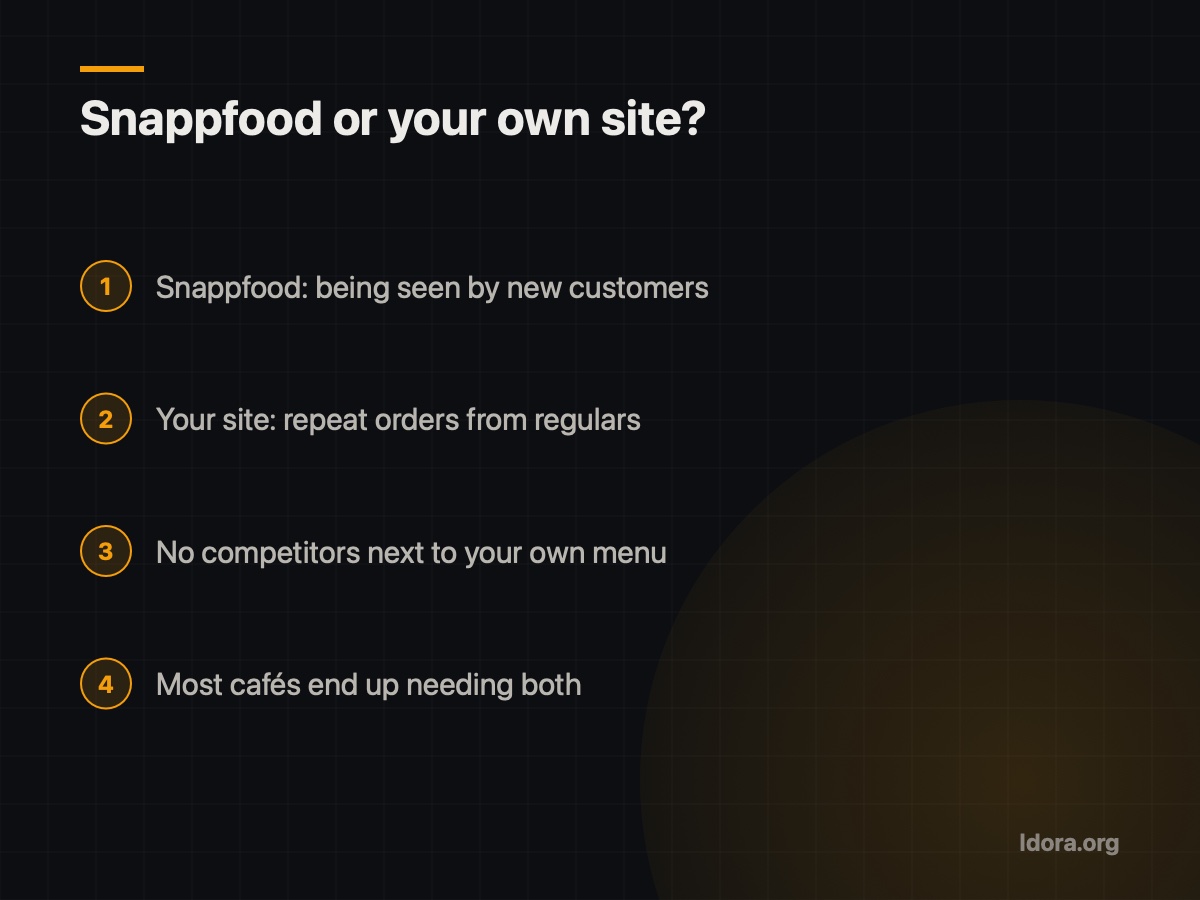
Snappfood is a busy marketplace. People who have never heard of your café go there looking for food, and they might find you. That is its biggest strength: being seen by new people.
But in a marketplace you are one option among many. Your page looks like the platform, your competitors' menus sit right next to yours, and the relationship with the customer belongs to the platform rather than to you.
Your own ordering site is the opposite. The people who come to it usually already know you: they ate your food once, a friend recommended you, or they came from your Instagram. There are no competitors beside your menu, you decide what is shown, and the customer deals with your brand.
So the right question isn't "which is better?" but "what job is each one doing for me?"
What your own site gives you that a marketplace can't
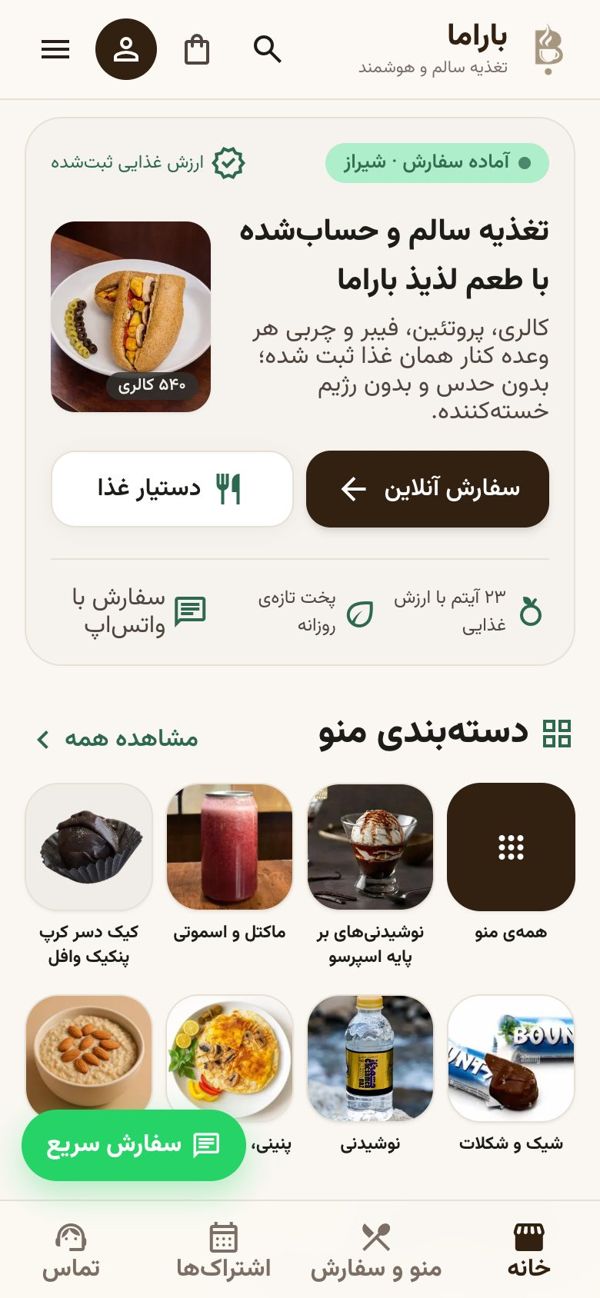
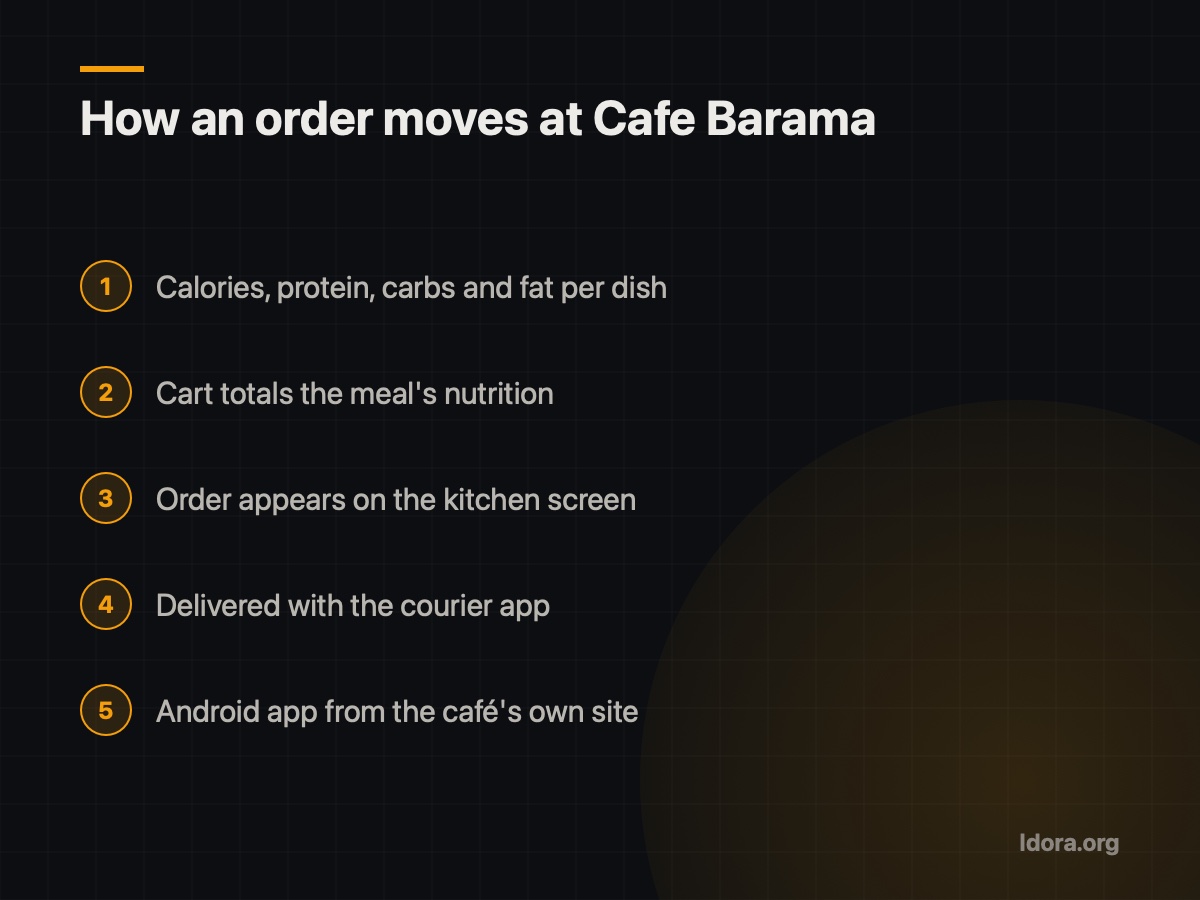
At Cafe Barama, a healthy-food café, what customers cared about was nutrition. So on the café's own site every dish shows calories, protein, carbs and fat, and the cart adds up the nutrition of the whole meal. A generic marketplace template simply doesn't give you that.
A few more advantages:
- You control the experience: menu order, photos, descriptions and whatever matters to your customers.
- Orders go straight to the kitchen. At Barama, website orders appear on a kitchen screen and then reach the courier app.
- Your own app. Barama customers download the café's Android app directly from its website, with no Play Store, and iPhone users can install the site like an app on their home screen.
- The customer stays yours. Someone who orders from your site comes back to your name, not to a platform's.
Where Snappfood still makes sense
If your café is new, or in a neighbourhood where nobody knows it yet, your own website alone won't bring new customers. A website is like a shop down a side street: people with the address come, but there is little passing trade.
That's where being on Snappfood helps. It's where people go to decide what to eat tonight, and a tidy page with good photos and accurate dish names and descriptions helps you get noticed. Just remember to keep menu, prices and availability consistent in both places.
When you need both
The split I suggest:
- Snappfood for new customers who don't know you yet and are comparing options.
- Your own site for regulars who have eaten with you and want to order again.
- One clear direct link: put your site on cards, packaging, the in-café menu and Instagram so people learn the direct route.
If you have something special to show properly, like nutrition at Barama, or most of your customers are repeat locals, your own site is worth it. If you are just starting, the marketplace helps you get seen. Most cafés end up needing both.
What a good ordering site needs
- Mobile first. Most people order on their phone, so menu and cart must be easy on a small screen.
- Always reachable in Iran. The sites I build run on a server inside Iran with HTTPS and avoid foreign services that break under filtering, such as Google Fonts or reCAPTCHA.
- Work continues after payment. The order should reach the kitchen and courier without retyping.
- Easy menu changes you can make yourself, without calling a developer.
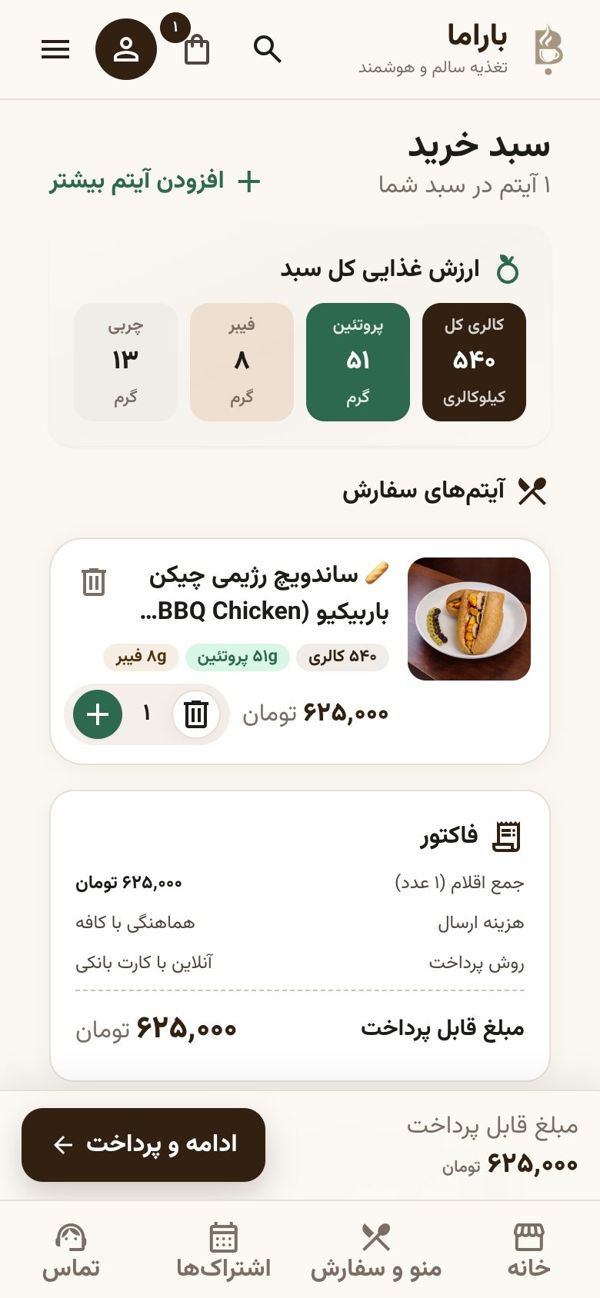
You can watch a demo video of the Cafe Barama system on the Barama page on Ldora.
Decision checklist
- Are most of my customers new, or repeat regulars?
- Do I have something a marketplace template can't show well?
- Can I keep menu, prices and availability in sync in both places?
- Is my own site's link on packaging, cards and Instagram?
- Do website orders reach the kitchen and courier without retyping?
- Is the site fast on a phone and reachable without a VPN?
If you'd like to see what a custom ordering system could look like for your café or restaurant, ask for a free demo first. I'll show it on your real case, and then you decide. Request a free demo
Want something like this?
Tell me about your business
More guides

Sayad Cheque and Instalment Reminders: Never Miss a Due Date
Why cheque and instalment due dates get missed, and what a good reminder system needs, from building Wealth with SMS reminders and a private document vault.
Read
Running a Building Without a Manager: Rota, Votes, Accountant
What I learned building an app for a 9-unit building with no manager: a weekly duty rota, votes on big costs, and an accountant who only pays bills.
Read
Scale-Label Barcodes: How a Supermarket POS Reads Weight and Price
What a scale label holds, how a POS reads weight and price with one scan, and what to check before going live, from my work building the Sepehr supermarket POS.
Read