
From Excel to a Real System: Signs You've Outgrown It
Five signs your business has outgrown its spreadsheets, and how to move to a real system without losing data, with examples from my own projects.
 Habib S. · Ldora

Most small businesses start with a spreadsheet, and that makes sense. Excel is cheap, everyone knows a little of it, and a simple sales or payroll sheet is enough at the beginning. The trouble starts when that small file quietly becomes the backbone of the business: several copies on several phones and computers, only one person who understands the formulas, and small mistakes nobody notices until month-end.
I build custom software for cafés, supermarkets and residential buildings, and I have learned that the real question is not "is Excel good or bad?" It is: does your work still fit in one table? Here are the signs that it does not, and how to move without pain.
Where Excel shines and where it runs out
Excel is great for thinking: a quick estimate, a cost plan, a short list. A working system needs things a sheet does not naturally have:
- Several people at once: cashier, kitchen, courier and manager each see and record their own part.
- Rules: only the manager changes prices; an invoice cannot be deleted after it is saved.
- History: who changed what, and when.
- A link to the real world: barcode scanners, receipt printers, SMS, online orders.
When you need these and still run on Excel, people fill the gap: someone merges files every evening, someone else double-checks everything.
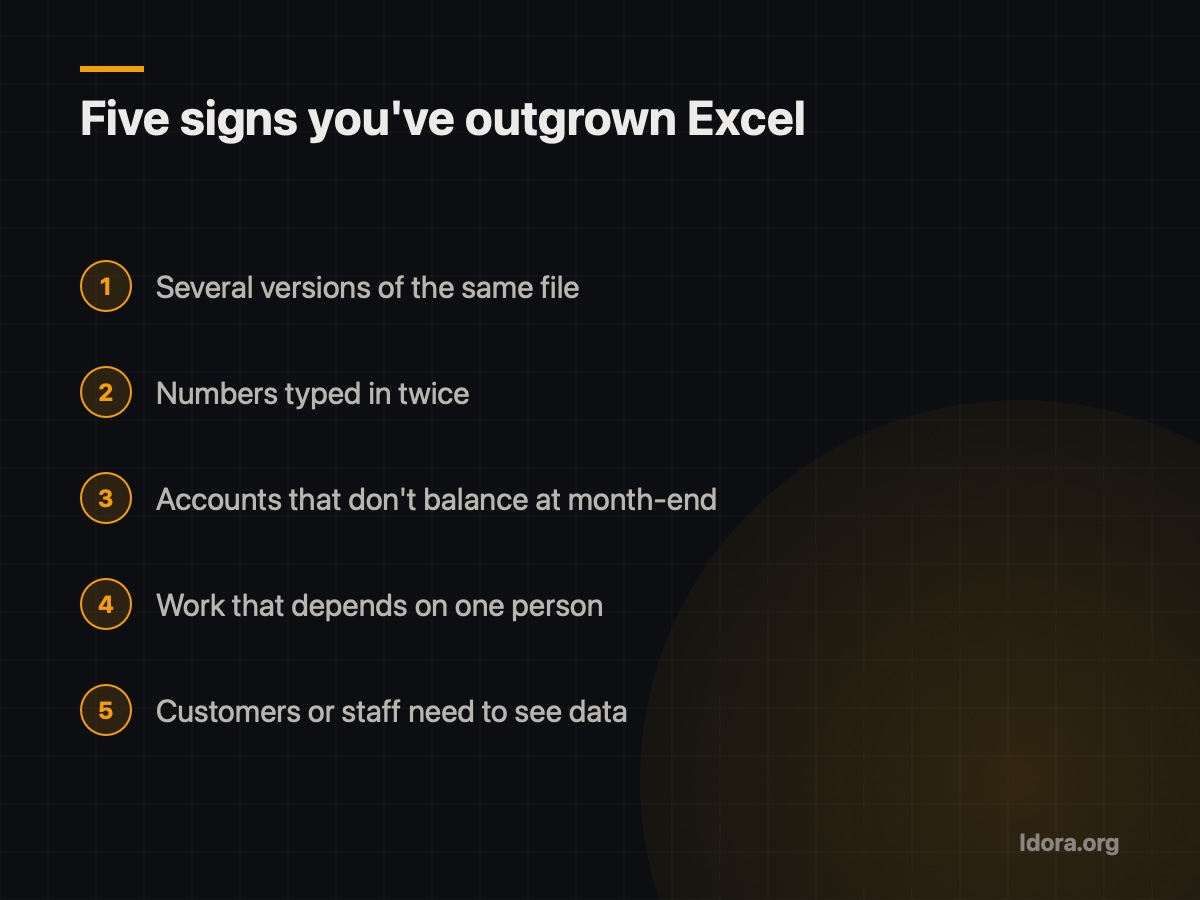
Five signs you have outgrown the spreadsheet
- There are several versions of one file. "sales-final", "sales-final-2", and the copy sent over WhatsApp.
- Numbers are typed twice. Once at the till, again in Excel at night. Every re-entry is a new chance for error.
- The month does not balance. Salaries, advances, customer credit or building charges; a missing row only shows up on settlement day.
- Everything depends on one person. If the person who wrote the formulas is away, nobody dares to touch the file.
- Customers or staff need to see something. Online orders, residents checking whether they paid, staff checking their hours. Excel was not made for that.
If two or three of these sound familiar, it is probably time.
What a real system looks like in practice
Some examples from my own projects, where the work happens inside the software instead of a sheet:
- Cafe Barama, Shiraz: staff attendance, shifts, advances and month-end payroll in Persian dates live in the system. Online orders go straight to the kitchen screen and the courier app. See the Barama page.
- Sepehr POS for a supermarket: customer accounts and credit, the cash and card-reader ledger and product barcodes in one place. A sale is recorded once and the accounts follow from it.
- Building app (prototype): a monthly charges grid shows which units paid, and any cost over 5 million toman needs 5 of 9 units to agree. Everyone sees one shared screen, not separate files.
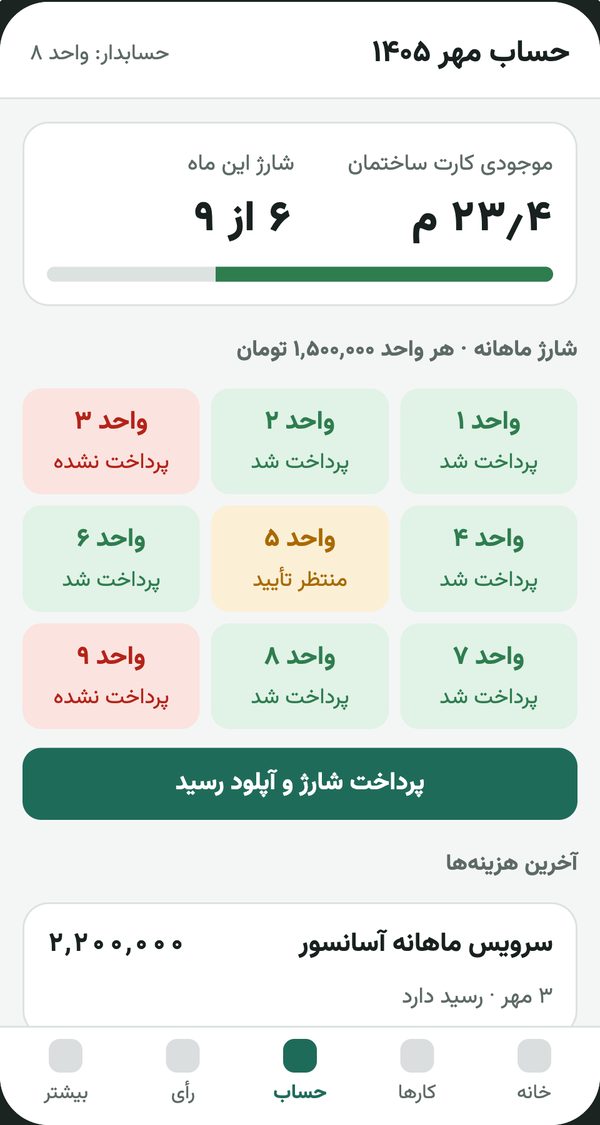
The common thread: data is entered once, in one place, and each person sees only what their job needs.
Moving without losing data
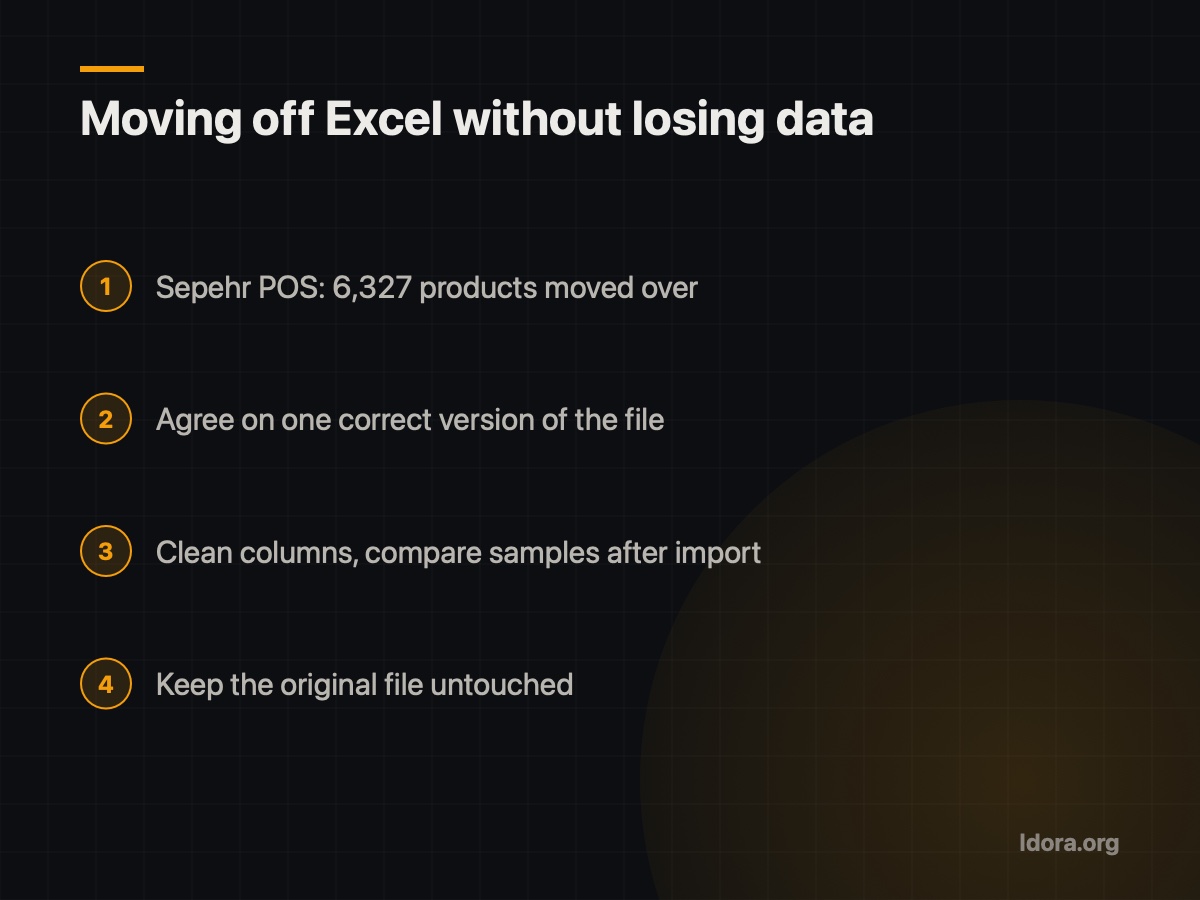
The biggest fear is losing "years of information". You should not. When Sepehr POS replaced the supermarket's old POS software, 6,327 products were moved from the old system. The same can be done from a spreadsheet:
- Collect the files and agree on one "correct" version.
- Clean up the columns: name, price, barcode, date, balance.
- Import into the new system and compare samples against the original.
- Keep the original file untouched, so you can always go back.
Start small
You do not have to change everything overnight. Start where you lose the most time or make the most mistakes: payroll and shifts for a café, customer credit for a shop, monthly charges for a building. Once that part settles in, add the next. And make sure the system works well on a phone, because most staff and customers use one.
Checklist before saying goodbye to Excel
- List the spreadsheets you use every day or every month.
- Mark which numbers get typed twice.
- Pick the part with the most mistakes or wasted time to start with.
- Write down who needs to see what, and who may change what.
- Keep a dated, untouched copy of your current file.
- Try a demo of the new system with your own real data before deciding.
If your work feels bigger than a table, I am happy to look at your files and suggest where to start. Before any decision you can request a free demo.
Want something like this?
Tell me about your business
More guides
Backups and HTTPS: The Minimum Every Business Site Needs
HTTPS and backups are the security minimum for any business site. Here is why they matter and what to ask whoever built your site.
Read
Free Demo First: Judge Software Before You Pay
Why you should see business software in a demo before paying, what to check during it, and which questions to ask before you decide.
Read
Customer Credit in a Shop Without Paper Notebooks
Why the paper credit notebook causes disputes, how customer accounts work inside a shop POS, and how to move credit balances to software safely.
Read