Android App Without Google Play: Ship an APK From Your Site
How to deliver a signed Android app (APK) to your customers straight from your own website, without Google Play, based on real experience with Cafe Barama.
 Habib S. · Ldora

Many café and shop owners ask me the same question: "Can my business have an Android app when Google Play is practically out of reach for us?" The short answer is yes. An Android app does not have to come from Google Play. You can build a signed installer file (an APK) and offer it straight from your own website.
I have done exactly this for Cafe Barama in Shiraz: the customer Android app is downloaded from the café's own site, with no Play Store involved. My Wealth app (a private document vault with cheque reminders) also ships its Android version as an APK. Here is what I have learned about this route.
Why Google Play is not the easy path
For businesses inside Iran, publishing on Google Play is full of obstacles: setting up a developer account, paying in foreign currency, and the risk of the account being closed. Some customers also struggle to open Google Play itself.
But you do not need a global store to reach your own customers. They already know your website and follow your Instagram page. A clear "Download the Android app" button there is enough.
Local stores such as Cafe Bazaar and Myket are an option too, but a link on your own site keeps control in your hands.
What a signed APK is, and why it matters
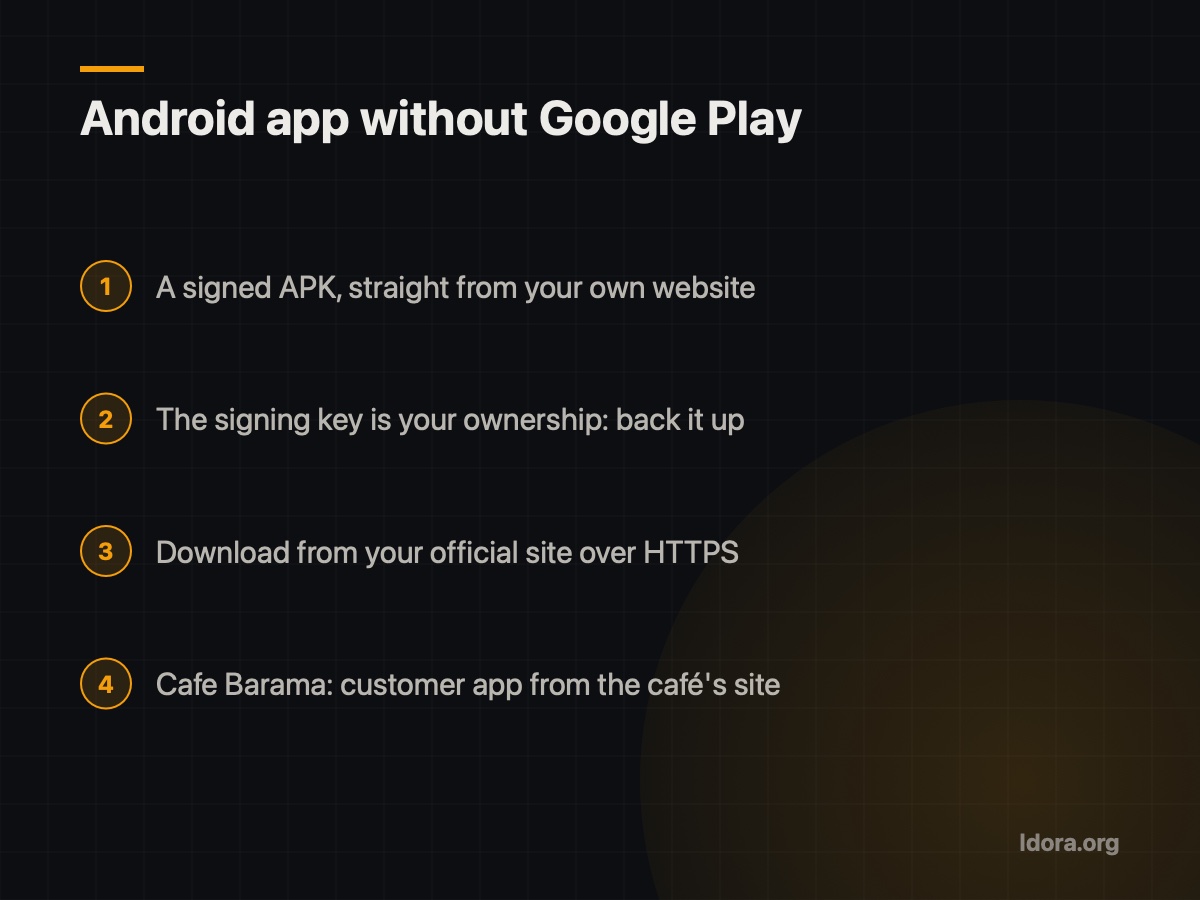
An APK is the Android installer file. The key detail is the signature: every version of your app must be signed with the same key. That signature does two things:
- The phone can confirm the file really comes from you and was not altered on the way.
- When you release a new version, the phone treats it as an update to the same app, so the user's data stays.
Lose the signing key and you can no longer ship normal updates; users would have to uninstall and reinstall. That is why I treat the key like a safe key: several secure backups, never just one laptop.
How customers install it
The usual worry is "my customers won't know how to install it." In practice the steps are simple when they are explained well:
- The customer taps the download button on your site.
- They open the file. The first time, Android asks whether to allow installs from this source (for example, the browser).
- They allow it, tap Install, and they are done.
What makes the difference is a short guide next to the button: three steps in plain words. Also make sure one team member has tried the install on their own phone.
To earn trust, the download must come from your official site over HTTPS. The sites I set up run on a server inside Iran with HTTPS, so the download keeps working under filtering.
Updates without a store
Google Play updates apps automatically. When you publish the APK yourself, plan updates from day one:
- Keep the download link pointing to the latest version, never an old file.
- Let the app check for a newer version when it opens and show a short message with the download link.
- Show the version number inside the app, so you know what a customer has when they report a problem.
It also helps to load most content, such as the menu, prices and orders, from the server. Then many changes need no new app version at all.
Android by APK, iPhone by web app
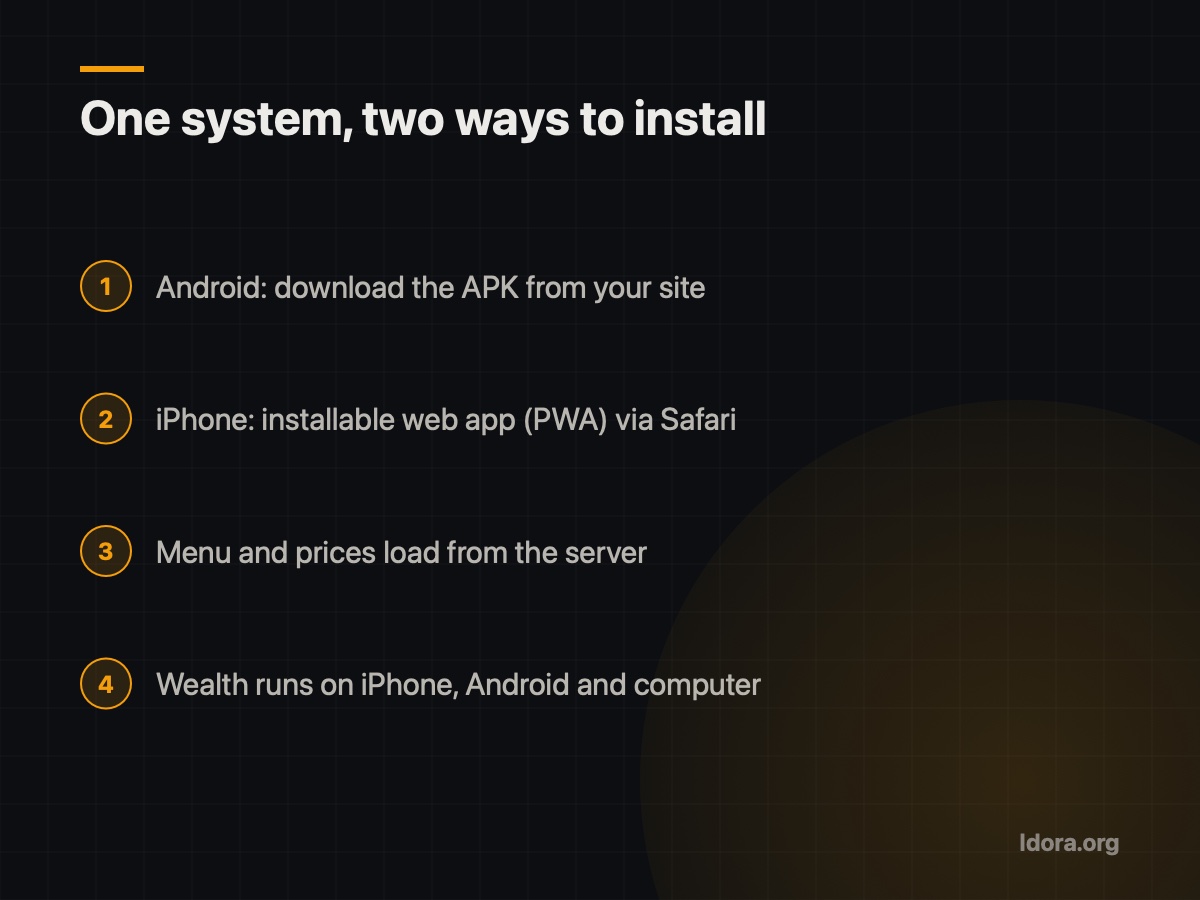
The next question is always: "What about iPhone users?" iPhones do not allow installing files from a website. The practical route there is an installable web app (PWA): the customer opens your site in Safari and adds it to the home screen, and from then on it opens like an app.
Cafe Barama uses exactly this pair: the Android app downloads from the café's site, and on iPhone the installable web app is available. You can see the full system, from online ordering with calories and protein for every dish to the kitchen screen and courier app, on the Cafe Barama demo page. Wealth likewise works on iPhone, Android and computer.
Checklist before you put an APK on your site
- You hold the app's signing key, with secure backups.
- The download button sits on your official site, over HTTPS.
- A three-step install guide in plain words sits next to the button.
- The download link always serves the latest version.
- The app detects new versions and tells the user.
- iPhone customers have an installable web app ready.
- A staff member has tested the install on their own phone.
A dedicated app is no longer only for big brands. If you want ordering or announcements on your regular customers' phones, a signed APK on your own website is enough. To see what this could look like for your business, request a free demo and try a real version before you decide.
Want something like this?
Tell me about your business
More guides

Switching Supermarket POS Without Losing Data
What I learned moving 6,327 products from a supermarket's old POS to a new system: exporting and cleaning data, testing scale labels and checking customer credit.
Read
Building a Website That Keeps Working in Iran
Why many sites load slowly or break in Iran, and how a local server, HTTPS and no foreign services like Google Fonts or reCAPTCHA keep yours working.
Read
Why a Café Menu Should Show Calories and Protein
What I learned building Cafe Barama's menu: showing calories, protein, carbs and fat per dish, totalled in the cart, builds customer trust.
Read